
Free for shift workers in the UK
See what time you're InWorkAt
InWorkAt is a free rota checker for shift workers in the UK. Put in the shifts on your rota, and it adds up your hours, overtime and holiday, and works out what you should be paid, so you can check it against your payslip.
- Free, with no card needed
- Nothing to install
- Works without signal
Week 45
02 Nov – 08 Nov
A look inside
Your shifts, hours and pay in one place
Add a shift in a couple of taps
Pick one of your named shifts, or type the times. Put in when you really started and finished if it wasn't as planned, and see what the shift earns as you go.

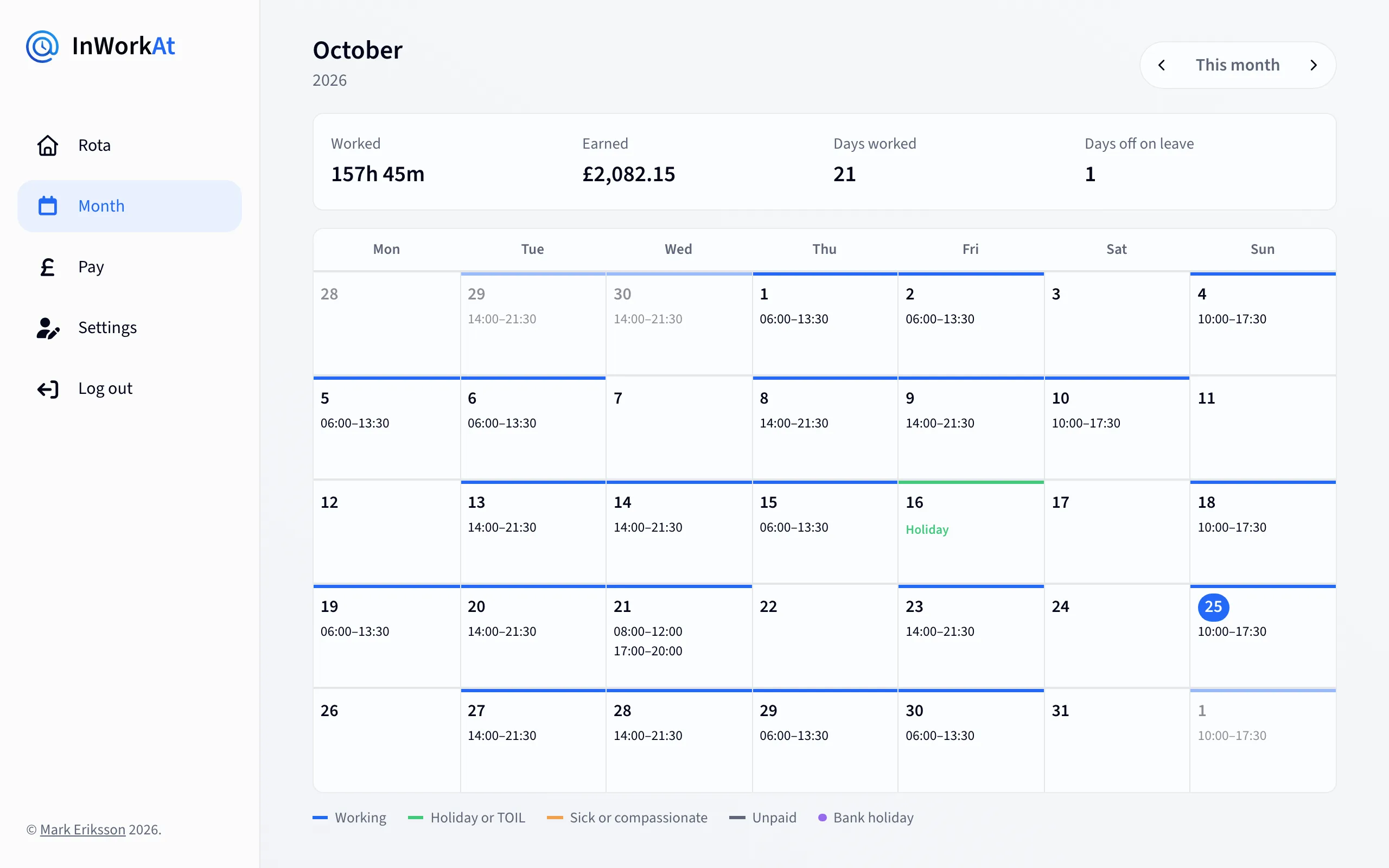
The whole month at a glance
Every shift and day off in the month, with the hours worked and what they earned, and holiday and bank holidays marked.
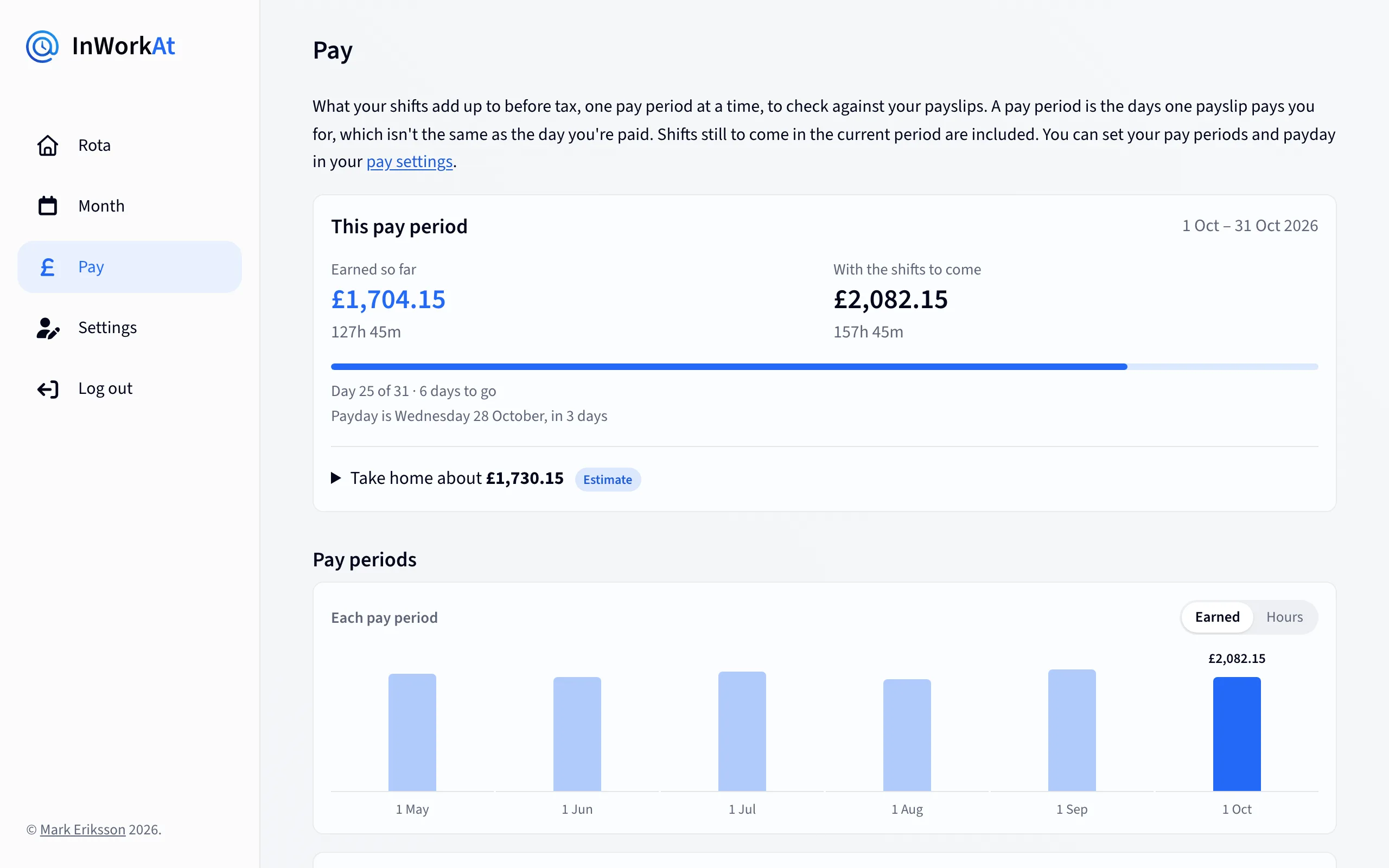
Know what's coming on payday
What you've earned so far this pay period, what it'll be with the shifts to come, and an estimate of what you'll take home after tax.
What it does
Made for rotas that change every week
-
Your rota, a week at a time
Fill in a day in one tap with named shifts like Early or Late, or a whole week from a week pattern. Split shifts and shifts that run past midnight work too.
-
Hours and overtime
See your hours each week, with overtime counted from the day your employer's week starts on. If a shift didn't go to plan, put in the times you really worked.
-
Pay and take-home
An estimate of your gross pay and take-home pay for each pay period, with higher rates for nights, bank holidays and overtime, and Income Tax, National Insurance, pension and student loan taken off.
-
Holiday and leave
Book holiday, sick days and time off in lieu, and see how much holiday you've got left this year, with bank holidays for England and Wales, Scotland or Northern Ireland.
-
Share it and sync it
Send someone a link to your rota, add it to Google Calendar or Apple Calendar with a calendar feed, and get a reminder before each shift.
-
On your phone, even without signal
Add it to your home screen like an app. When there's no signal, it still shows the last rota you loaded.
How it works
Up and running in a few minutes
-
Sign up
All you need is your name, a username and a password. An email address is optional.
-
Add your pay and hours
Your hourly rate or salary, your weekly hours and your holiday allowance, from your contract.
-
Fill in your rota
Put in your shifts as you get them, and check your payslip against what InWorkAt worked out.
Free, with nothing to install
InWorkAt works in your browser on any phone or computer.
Sign up for free